Product · Scan & offline
Point your camera. Even with no signal.
Scan an item to check it in, check it out, or count it - in under a second. No connection required. When you’re back on Wi-Fi, everything syncs to the register on its own.
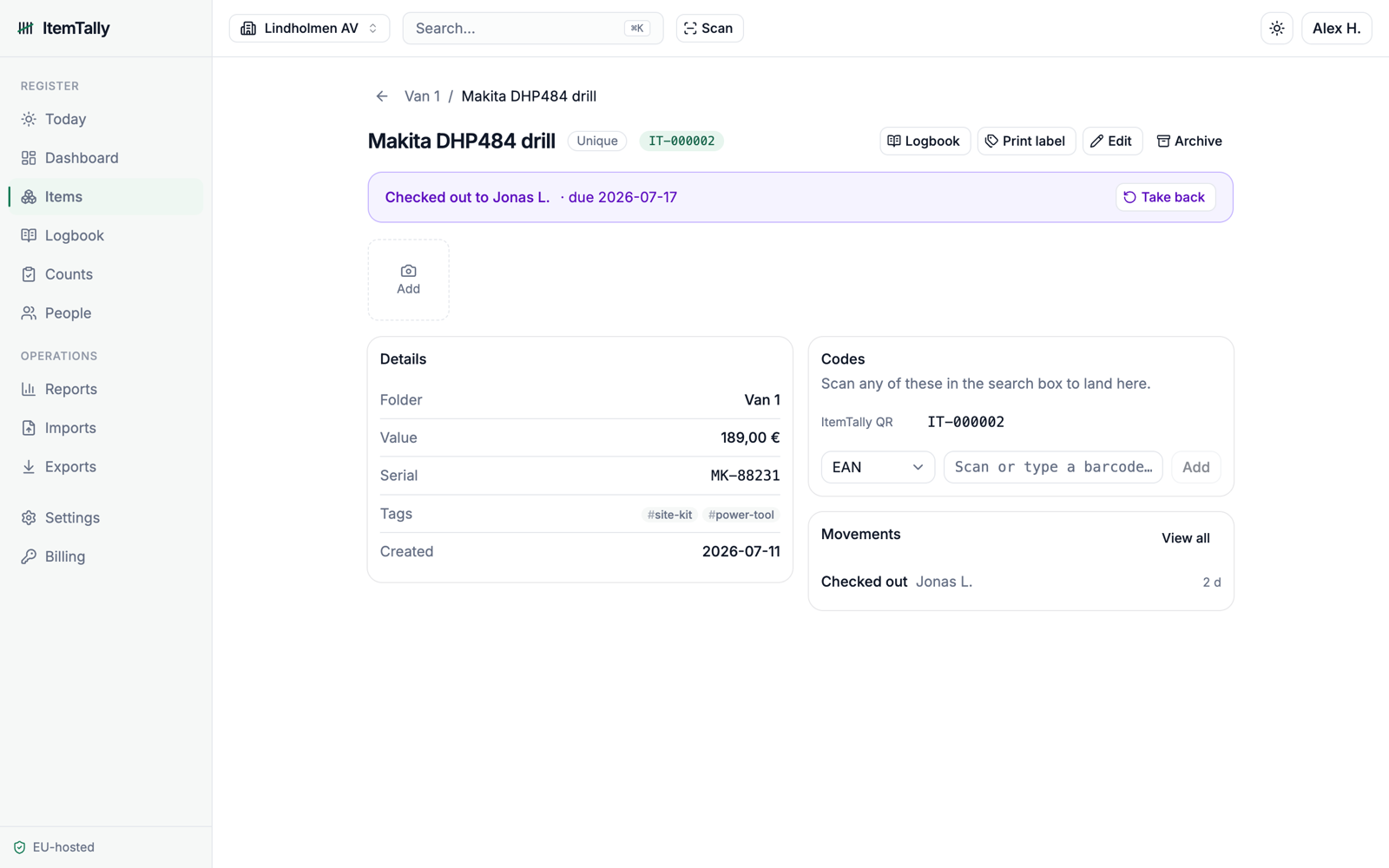
Half the places you actually keep stock have no signal - the stockroom, the cold store, the loading bay. So the count waits until you’re back at a desk, and by then you’re guessing.
ItemTally doesn’t wait.
How it works
Three steps, no ceremony.
Offline, done honestly
Offline is where most inventory apps quietly break. Two people scan the same shelf in the same dead zone; later, the numbers fight. ItemTally records every scan as a movement on a ledger, so when they sync they add up instead of overwriting each other. You get the true count - not the last-one-wins count.
Fast enough to actually use
Built for a real shelf, not a demo.
- Sub-second scan-to-action.
- Batch scanning to rattle through a full shelf.
- Runs on the cheap Android the team already shares.
- No dongle, no special scanner - if the camera can see it, it counts it.
One truth, two screens
Every offline scan lands in the Logbook with a name and a timestamp, and updates the count on the web register the moment you reconnect. Walk in with a phone full of scans; the register is already right.
Honest answers
The questions people actually ask.
Try it in the worst-signal corner of your building.
Start free - no card, no call.
No card. No trial clock. Free forever for one person.